In NativePal you can create your own lessons: describe a topic, a situation or the words you need, and the app writes a reading story, a vocabulary lesson, a teleprompter script or a role-play at your level, in any of its 57 languages. Your job, your trip, the conversation you are dreading: if it is part of your life, it can be your next lesson.
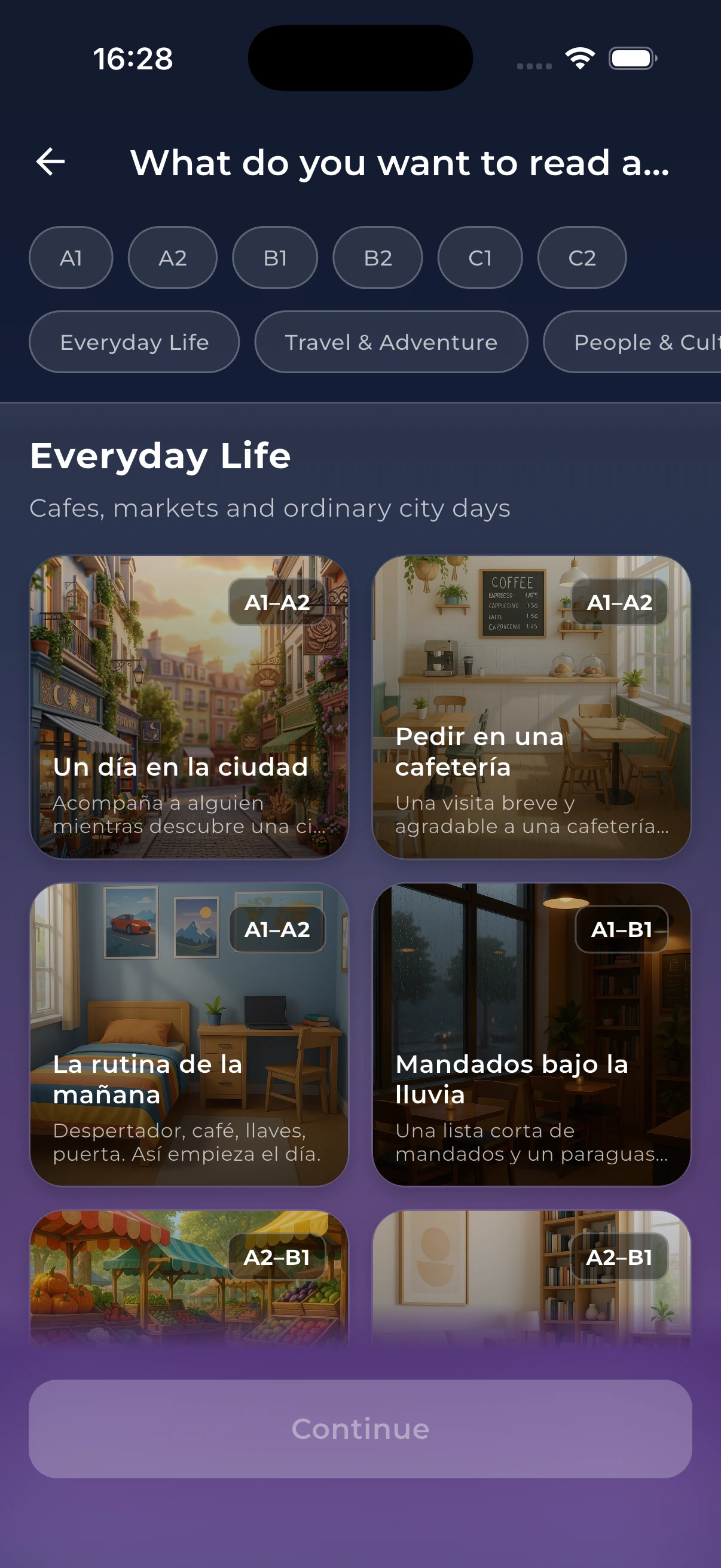
Create your own sits at the top of the Reading, Vocabulary, Teleprompter and Scenarios lists, above the topics NativePal already offers. The form works the same way in all four: say what the lesson is about, add anything you want in it, and NativePal writes it. One idea can become a story to read, the words to learn for it, a short talk to practise out loud, or a conversation to rehearse.
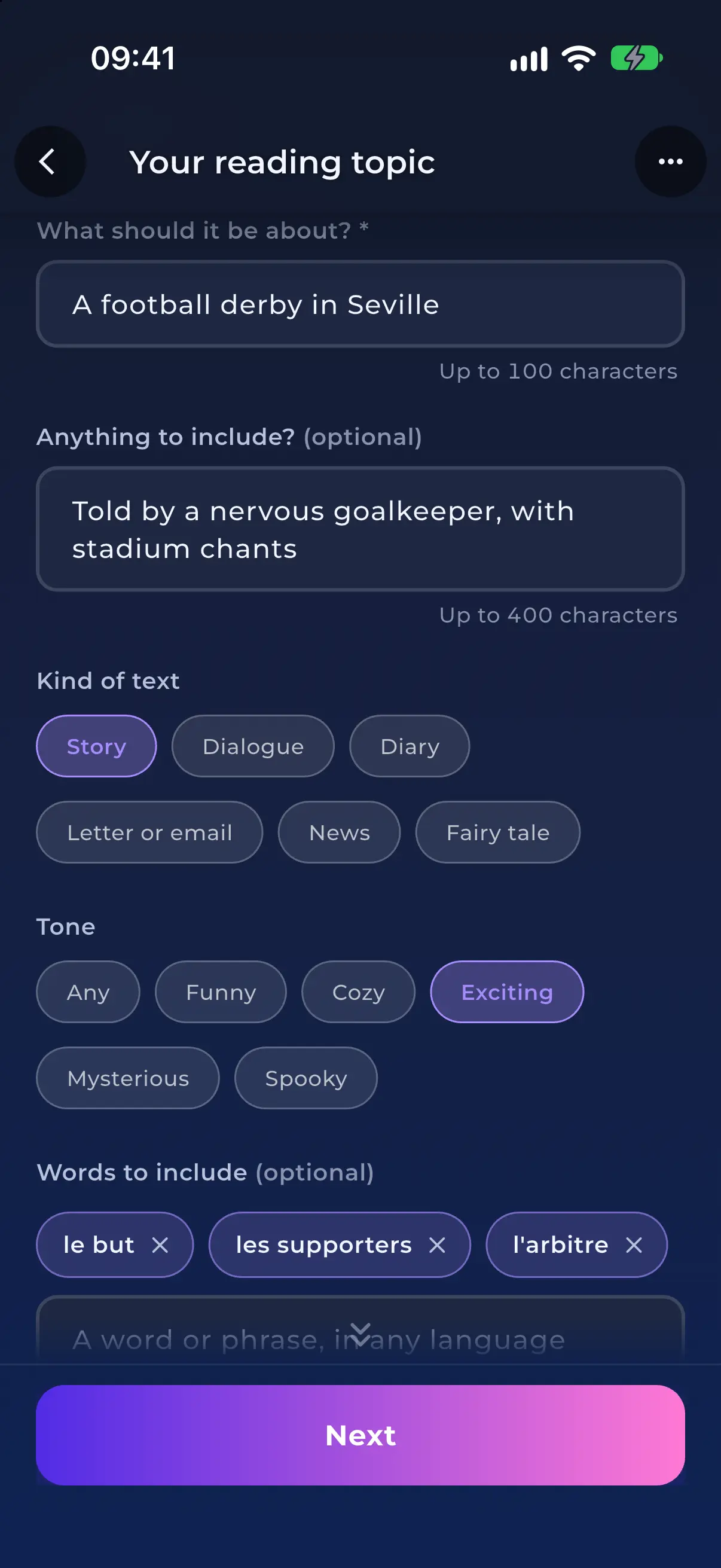
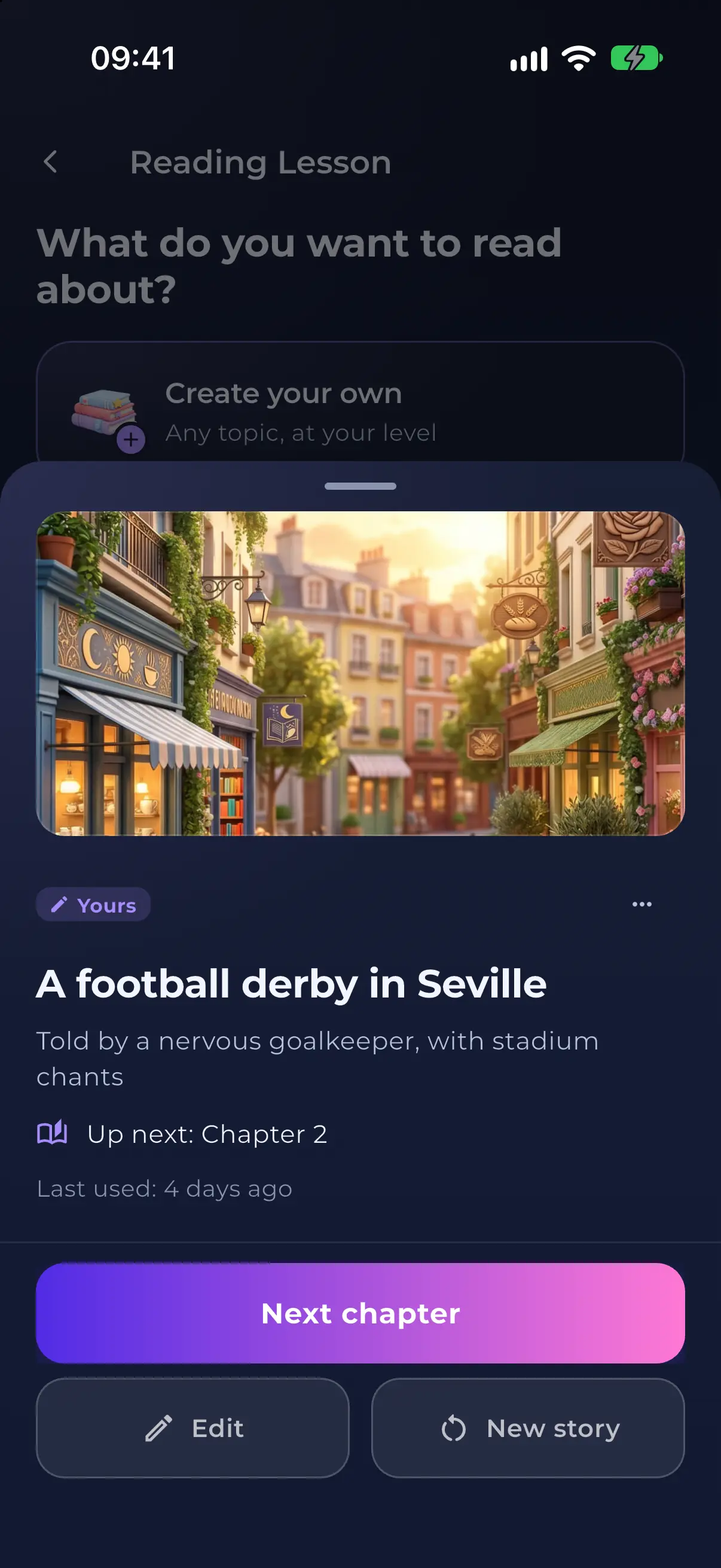
Tell NativePal what the story should be about and it writes one at your level: a diary of your first week in Lisbon, a letter to a landlord about a broken boiler, a fairy tale starring your daughter. Choose the kind of text, from a story or a dialogue to a news report, pick a tone, list the words you want to meet, and name the hero, or make it you. When you reach the end, ask for the next chapter and the story carries on with the same people.
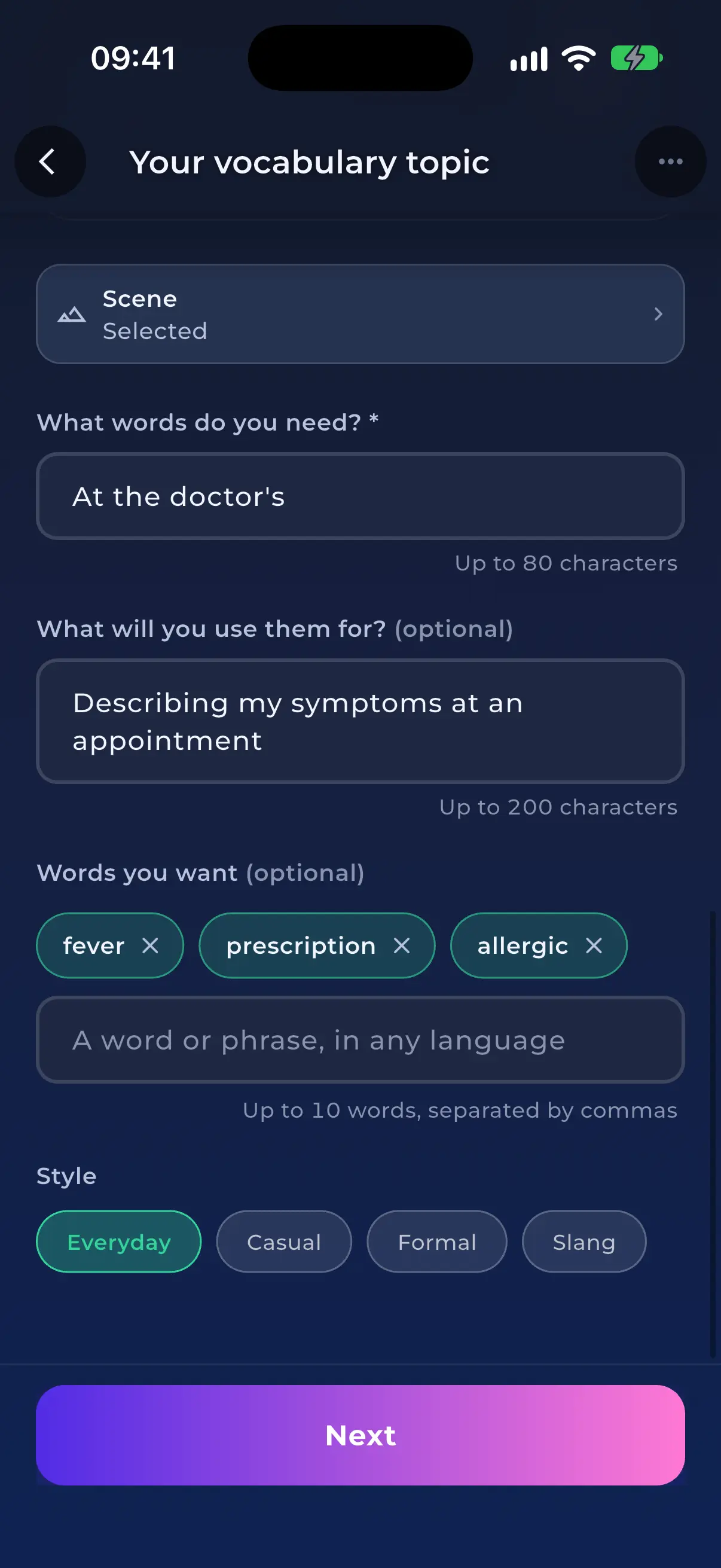
Say what you need the words for, whether that is renting a flat, a first shift on a hospital ward or a weekend of climbing, and NativePal builds a vocabulary lesson around it. Type the words and phrases you already know you need, idioms included and in any language, and they come first. Pick an everyday, casual, formal or slang style. When you finish, Next words brings new words on the same topic instead of repeating the ones you learned.
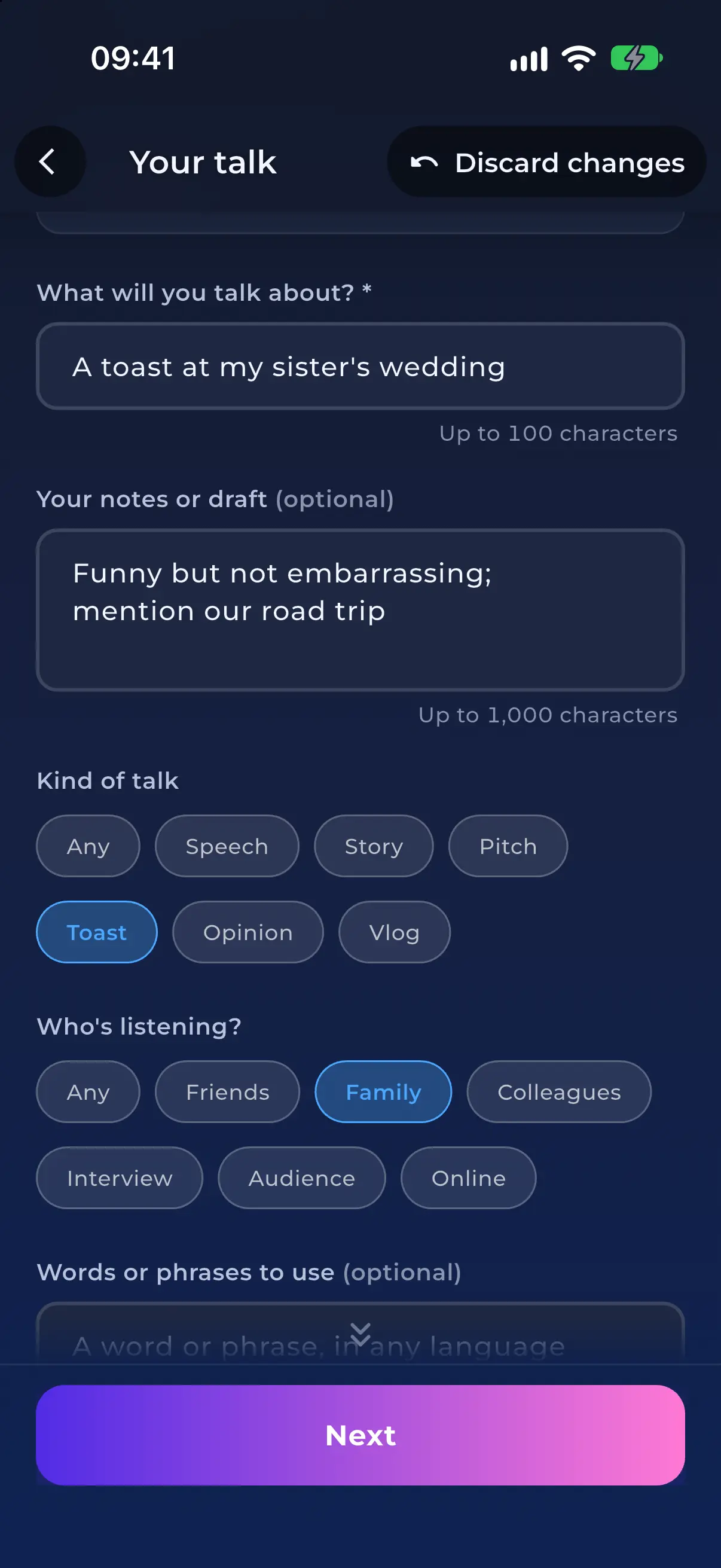
Paste your notes or a draft in any language, such as a toast for your sister's wedding, a self-introduction for a new team or a short pitch, and say who will be listening. NativePal turns it into a script at your level to read aloud on the teleprompter, where every take is scored sound by sound. Read it again as often as you like until the sounds come out right.
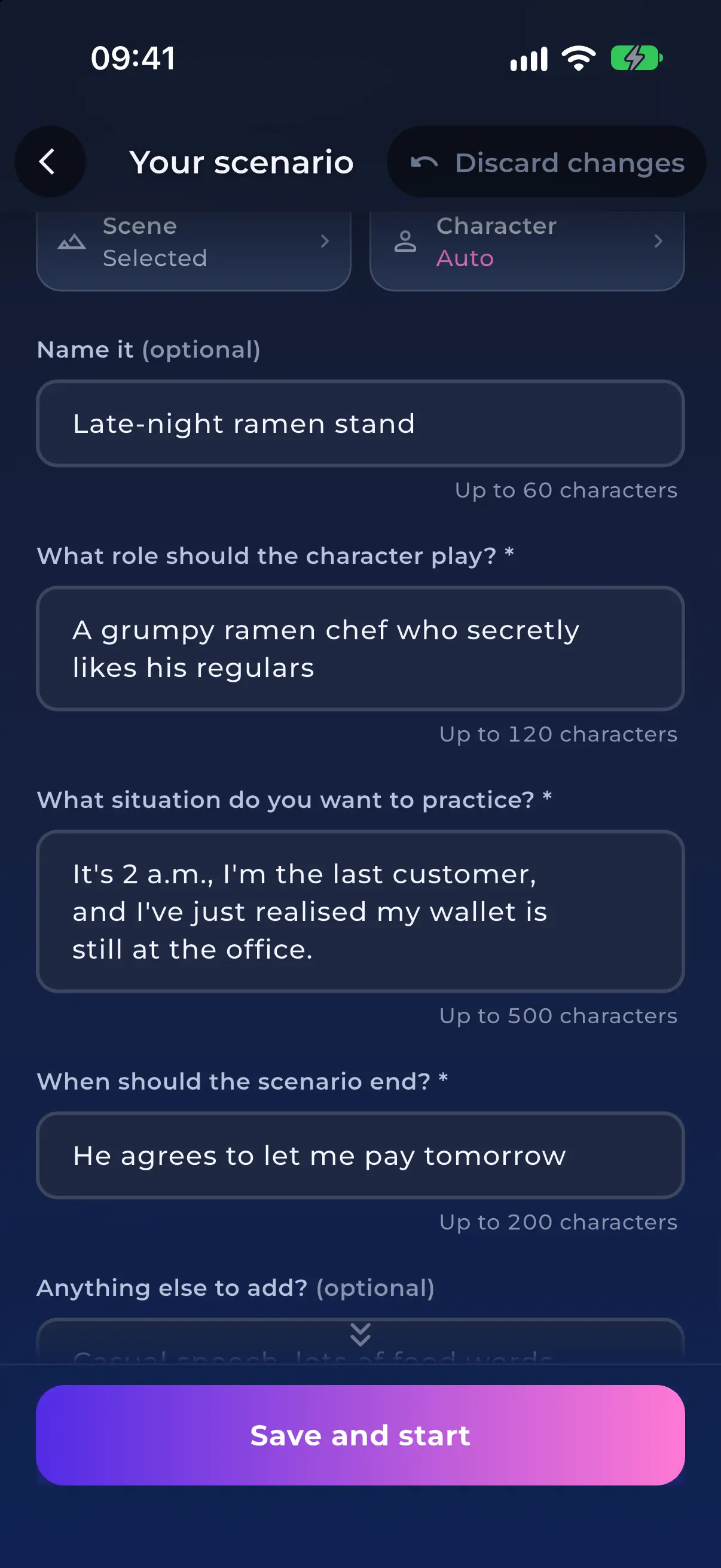
Describe the conversation you want to practise: who the other person is, what is going on, and when it should end. Returning a phone that broke after a week, asking a landlord for repairs, meeting your partner's grandmother for the first time. NativePal sets the scene, and a character plays it with you at your level, by text or by voice, with corrections as you go. Any scenario in the list can be changed too: tap Make it my own and rewrite the role, the situation or the goal.
Every lesson you create is kept in Made by you, at the top of its list. Continue a story with Next chapter, get Next words on the same topic, write a new script for the same talk, or start a new chat in the same scenario. Edit any of them, or delete the ones you are done with: what you have already done stays in your progress.
Not sure what to make? Surprise me fills the form with an idea, written in your own language, and leaves anything you typed or picked as it is. Tap again for another one. If you want ideas from everyday life rather than fairy tales and time travel, switch on Realistic ideas only.
Every lesson you create is written for the level you pick: CEFR A1 to C2 for most languages, JLPT N5 to N1 for Japanese, HSK 1 to 6 for Chinese and TOPIK 1 to 6 for Korean. The form starts on your own level, and you can change it for any lesson, so the same idea can be a few simple sentences at A1 or a rich, idiomatic text at C1.
NativePal writes each lesson from your description, so it cannot import an article, a book or a video for you to study. The ready-made topics in every list are still there whenever you would rather not decide.
For learners who
Weeks before a trip, not years: practise ordering, directions, the pharmacy and hotel desk with scenarios that answer back, and get key phrases understood.
For learners who
You pass lessons but cannot produce the language. What the intermediate plateau is, why gamified apps cause it, and a practice loop that gets you speaking.
Yes. Since version 2.11 (October 2026), NativePal lets you create your own reading, vocabulary, teleprompter and scenario lessons. Describe a topic, a situation or the words you need, and the app writes the lesson at your level, in any of its 57 languages.
Almost anything you can describe: your job, a trip, a hobby, a conversation you have coming up. For example, a diary of your first week in a new city, the words a nurse needs on a hospital ward, a toast for a wedding, or returning a faulty phone to a shop. You can add the words you want to practise, and for stories, the kind of text, the tone and the hero.
Yes. Each lesson is written for the level you pick on the form: CEFR A1 to C2, or JLPT, HSK and TOPIK for Japanese, Chinese and Korean. The form starts on your own level, and you can change it for any lesson.
Yes. Saved stories wait in Made by you with a Next chapter button, which continues the plot with the same characters. You can also start a new story from the same idea, or edit it.
A chatbot gives you text. NativePal turns your idea into a lesson: a story at your level with the key words first, a translation on every word and a quiz; vocabulary you can save to your dictionary for flashcard review; a script whose pronunciation is scored sound by sound; or a role-play with corrections. You do not write a prompt, and the lesson is kept so you can continue it.
All 57 languages NativePal teaches. You can type your idea, your notes and your words in your own language, and the lesson comes back in the language you are learning.
Explore More Features
Download NativePal and start practicing for free. Available in 57 languages on iOS and Android.
Alphabet lessons from zero • Levelled reading • Spaced-repetition vocabulary • Pronunciation feedback • 57 languages