LingQ vs NativePal: an input library vs a full practice loop
LingQ has the best comprehensible-input library of anything on this page, and it is not a close contest. Steve Kaufmann built it around Krashen's input hypothesis in 2007, and the result is a platform where you can read podcasts, articles, books, YouTube transcripts, and Netflix subtitles in 50-plus languages, click any word for a definition, and have that word tracked across your entire library forever. If you believe volume of input is what moves the needle, LingQ is the serious tool. What it is honest about not doing is output.
The short answer
Pick LingQ if you want to read and listen to real content by the hour and track every word you meet. Pick NativePal if you want speaking practice, a beginner path, and conversation alongside your reading.
NativePal compared with LingQ
NativePal
LingQ
Best for
A complete practice loop: reading, vocab, pronunciation, and conversation
Reading and listening volume from real, authentic content
Speaking practice
Teleprompter, 60-second daily challenge, plus optional voice in chats
Not its focus — the platform is built for input, and speaking practice is limited compared with its core offering
Pronunciation feedback
Per-sound, rhythm, fluency, and connected-speech analysis
Not its focus; there is no scoring comparable to a dedicated speech trainer
Languages
57, including English and less-common languages
50+ as of writing, with genuinely deep libraries for the major ones
Conversation partner
3D Pixar-style pals, language-specific natives, custom characters
An AI tutor chat for explanations; not a conversation-partner roster
Beginner path
Alphabet lessons in every language, then guided scenarios; no prior knowledge
Reviewers consistently flag a steep start; the Mini Stories help, but the interface is dense
The strongest input library on this page — graded lessons plus imports from YouTube, podcasts, subtitles, and ebooks, with every word you click tracked across your whole library
Free to start
Yes — daily allowance; premium in the App Store and Google Play
Yes — a very restricted free plan; Premium for real use
Platforms
iOS and Android
iOS, Android, web
Pick NativePal if
You want speaking practice with feedback, which LingQ does not focus on
You are a beginner — reviewers consistently flag LingQ's steep start
You want conversation and role-play, not only reading and listening
You want a cleaner mobile experience and a usable free tier
Pick LingQ if
You want to import your own content — YouTube, podcasts, subtitles, ebooks — without limits
You want every word you have ever clicked tracked across a huge library
You are already intermediate and reading volume is your bottleneck
You are studying a language with a deep LingQ library, like Spanish, Japanese, or Russian
Where LingQ is genuinely better
Breadth and depth of input. The graded library goes from Mini Stories to advanced podcasts, and the import tools mean anything you can find becomes an interactive lesson with click-for-definition and audio. Known-word counts and the LingQ tracking system give input-based learners a metric they trust. For a learner whose plan is "read and listen for a thousand hours", nothing here does it better, and NativePal's reading library — good as it is — is curated rather than unlimited.
Input is half the loop
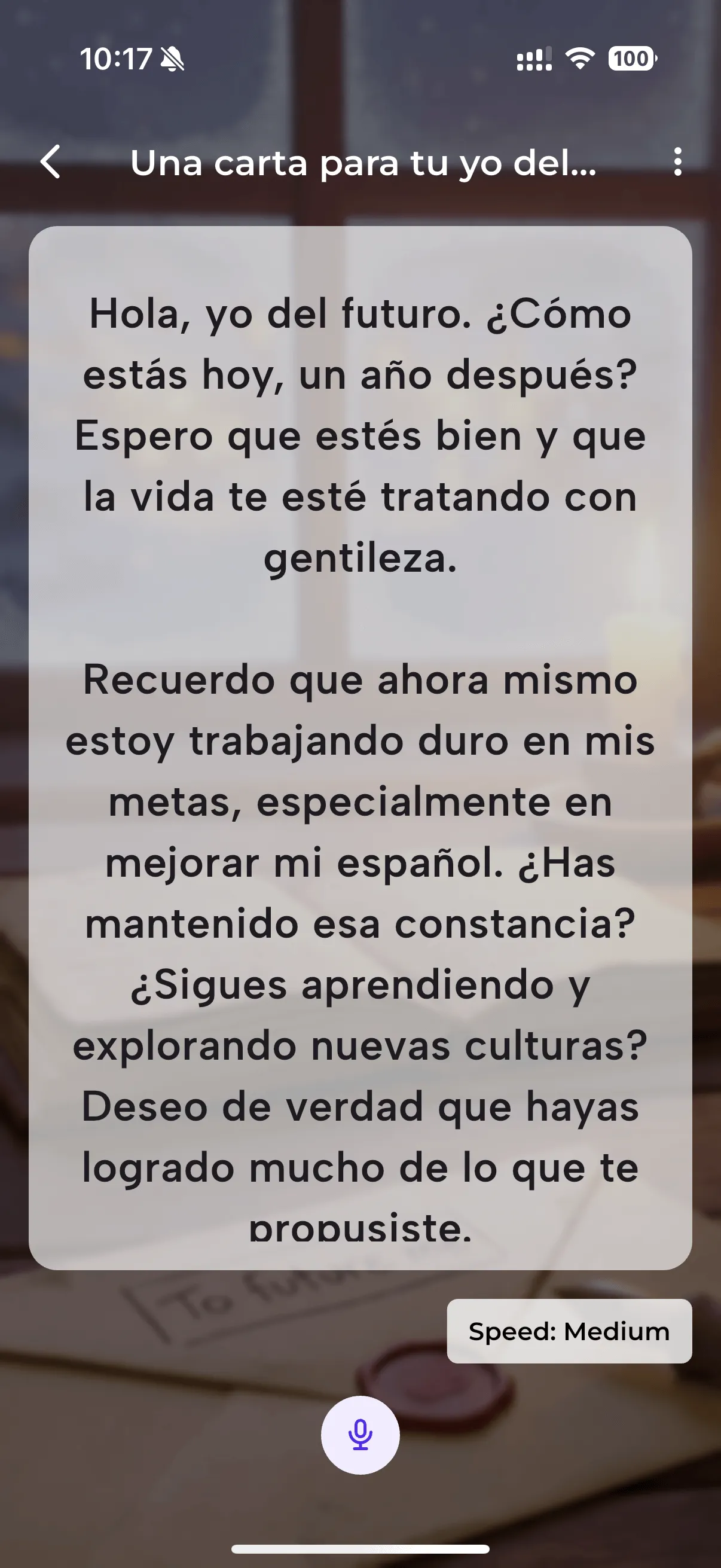
LingQ's own reviewers point out the gap: speaking practice is limited compared with its core offering, and there is no pronunciation scoring. NativePal is built around output as much as input — a teleprompter that scores individual vowels and consonants, prosody, fluency, and connected speech; a 60-second freeform daily challenge with native alternatives at three registers; and voice or text conversation with 3D characters when you want to use what you have read.
The beginner experience
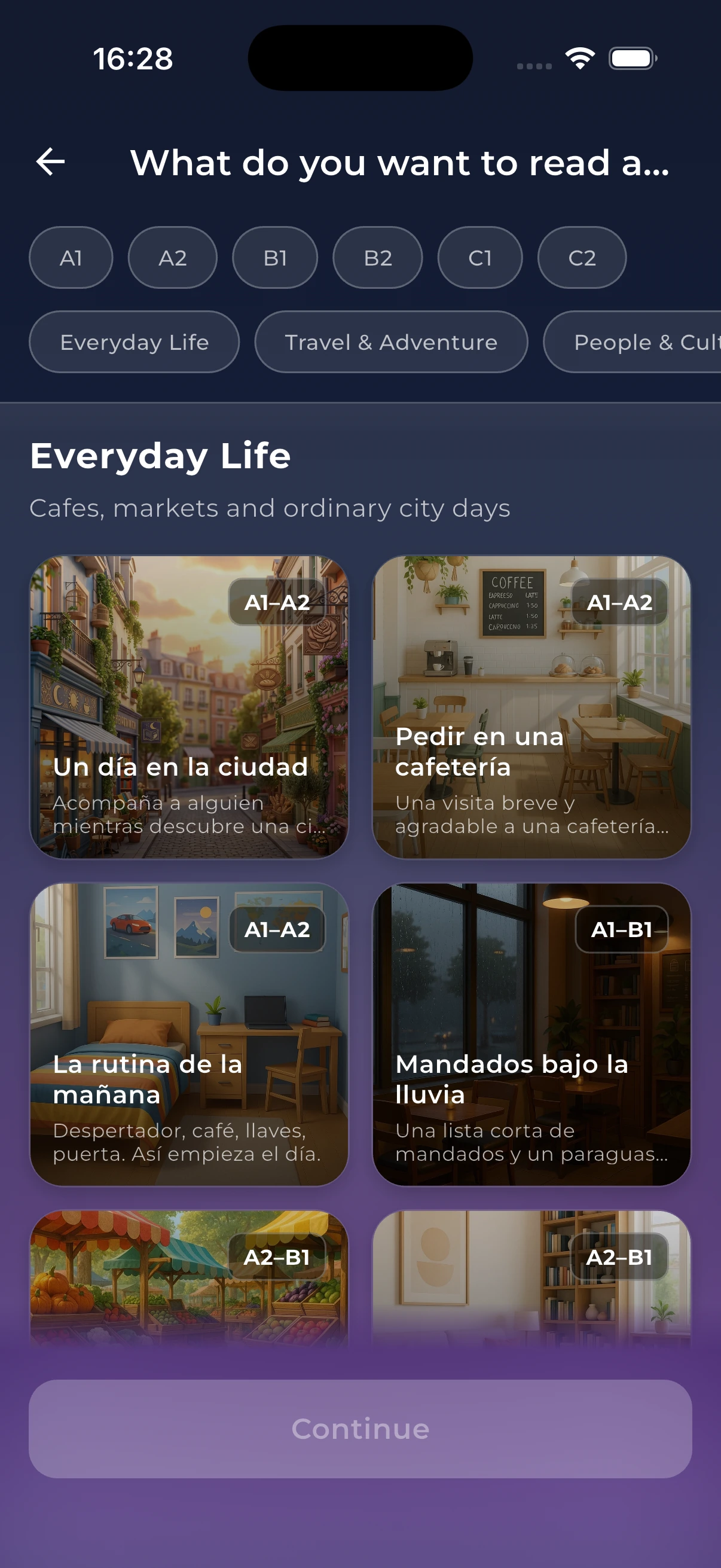
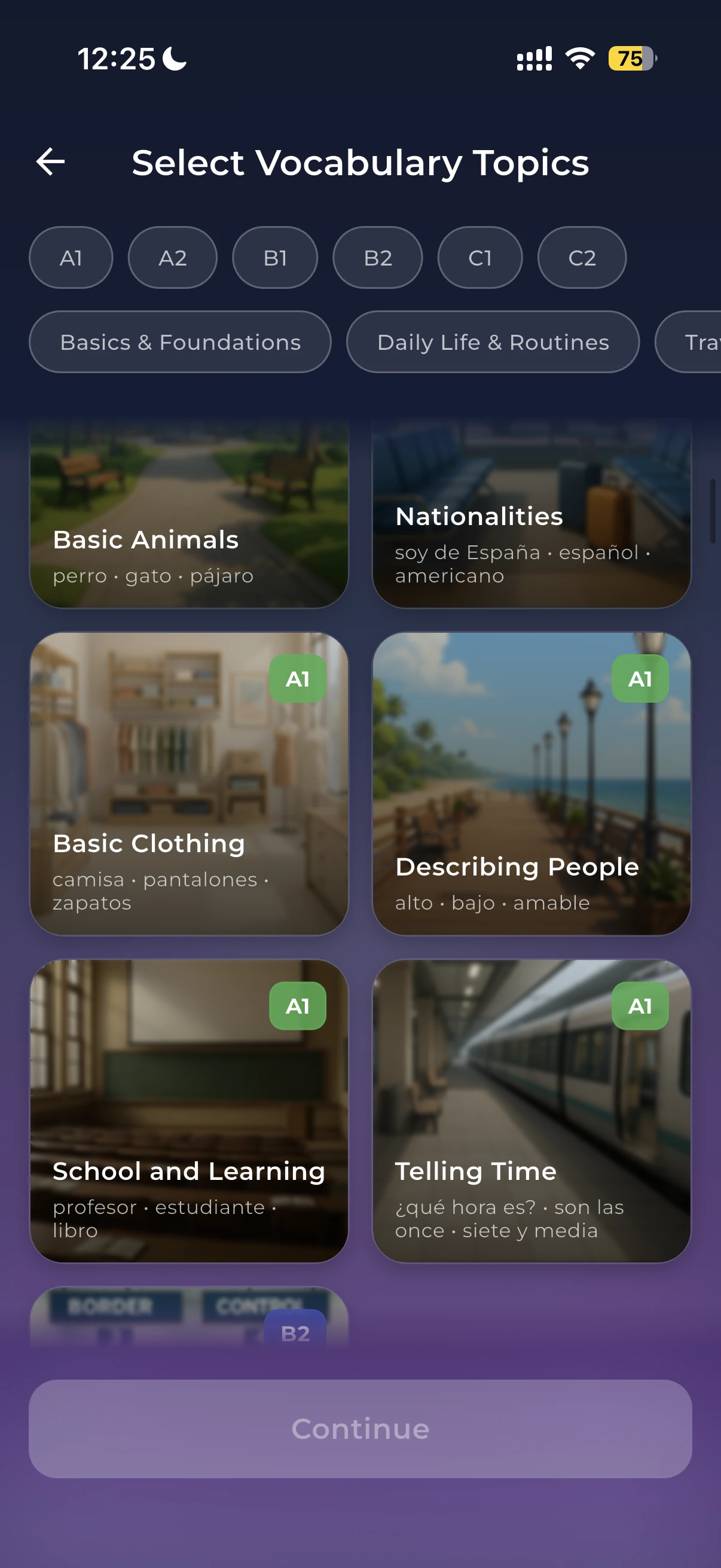
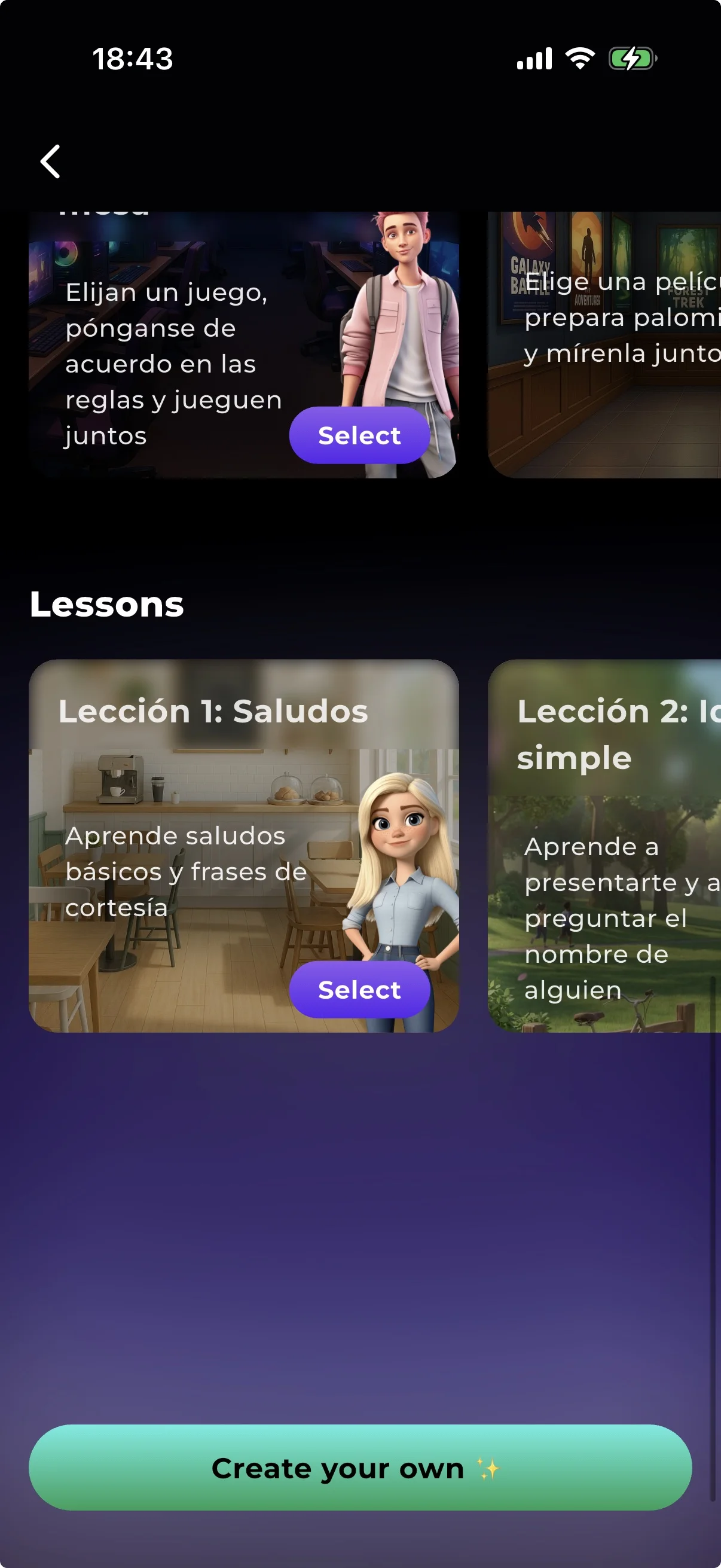
Almost every LingQ review says the same thing: the interface is dense and the start is steep. Mini Stories help, but you are largely expected to be self-directed. NativePal's alphabet lessons and Learning Scenarios start from zero with no prior knowledge assumed, reading is levelled to CEFR — plus JLPT, HSK, or TOPIK where those apply — and comprehension quizzes tell you whether you actually understood, rather than leaving you to judge. If you are past that stage, LingQ's density stops being a problem.
LingQ, if you measure reading by volume and freedom. Its library is larger and you can import essentially anything, with every word tracked across all of it. NativePal's reading is curated and levelled to CEFR, JLPT, HSK, or TOPIK with comprehension quizzes, which suits learners who want to know they are at the right level rather than choose their own material.
Does LingQ have speaking practice?
Not as a focus. The platform is built for input, and speaking is limited compared with its core reading and listening offering — there is no pronunciation scoring comparable to a dedicated speech trainer. NativePal's teleprompter, daily challenge, and voice chats exist specifically for that half of the loop.
Can a beginner start with LingQ?
You can, but reviewers consistently describe a steep curve and a dense interface. NativePal's alphabet lessons start at the letters and their sounds, which is the gentler entry. Many learners get to a rough A2 elsewhere and then move to LingQ for input volume.
How do the free tiers compare?
LingQ's free plan is very restricted — a small cap on saved words and imports — so serious use means Premium. NativePal's free tier gives you a daily allowance of reading, vocabulary, speaking, and chats, with premium sold through the app stores.
Start practising today
Download NativePal and practise for free. Reading, vocabulary, pronunciation, and conversation in 57 languages. No account required.