Pimsleur vs NativePal: the audio method vs a full practice app
Pimsleur is the oldest good idea in this comparison. Thirty-minute audio lessons, graduated interval recall, and a voice that will not let you stay silent — it is excellent for pure listening and speaking, and it is the only app on this page you can genuinely use while driving. If your problem is that you never actually open the app, an audio course you can run hands-free is a real answer. What you give up is everything visual: text, levelled reading, a dictionary you can browse.
The short answer
Pick Pimsleur if you want to learn with your eyes off the screen and you will genuinely speak out loud in the car. Pick NativePal if you want reading, vocabulary you can see and review, and pronunciation reported sound by sound.
NativePal compared with Pimsleur
NativePal
Pimsleur
Best for
A complete practice loop: reading, vocab, pronunciation, and conversation
Hands-free audio drilling for listening and speaking
Speaking practice
Teleprompter, 60-second daily challenge, plus optional voice in chats
The core of the product — you speak out loud through every 30-minute lesson, and the method is very good at it
Pronunciation feedback
Per-sound, rhythm, fluency, and connected-speech analysis
Voice Coach scores your speech; the real strength is the recall drill rather than a detailed report
Languages
57, including English and less-common languages
Around 51 as of writing, with a genuine long tail including Ojibwe, Twi, and Swiss German
Conversation partner
3D Pixar-style pals, language-specific natives, custom characters
A Speak role-play tool in some languages; no character roster
Beginner path
Alphabet lessons in every language, then guided scenarios; no prior knowledge
Very strong for spoken basics — the audio course is the curriculum
Reading lessons, flashcards, and Speed Rounds sit alongside the audio; text is secondary by design
Free to start
Yes — daily allowance; premium in the App Store and Google Play
A complimentary lesson and a trial; full access is subscription only
Platforms
iOS and Android
iOS, Android, web, Alexa, plus a hands-free driving mode
Pick NativePal if
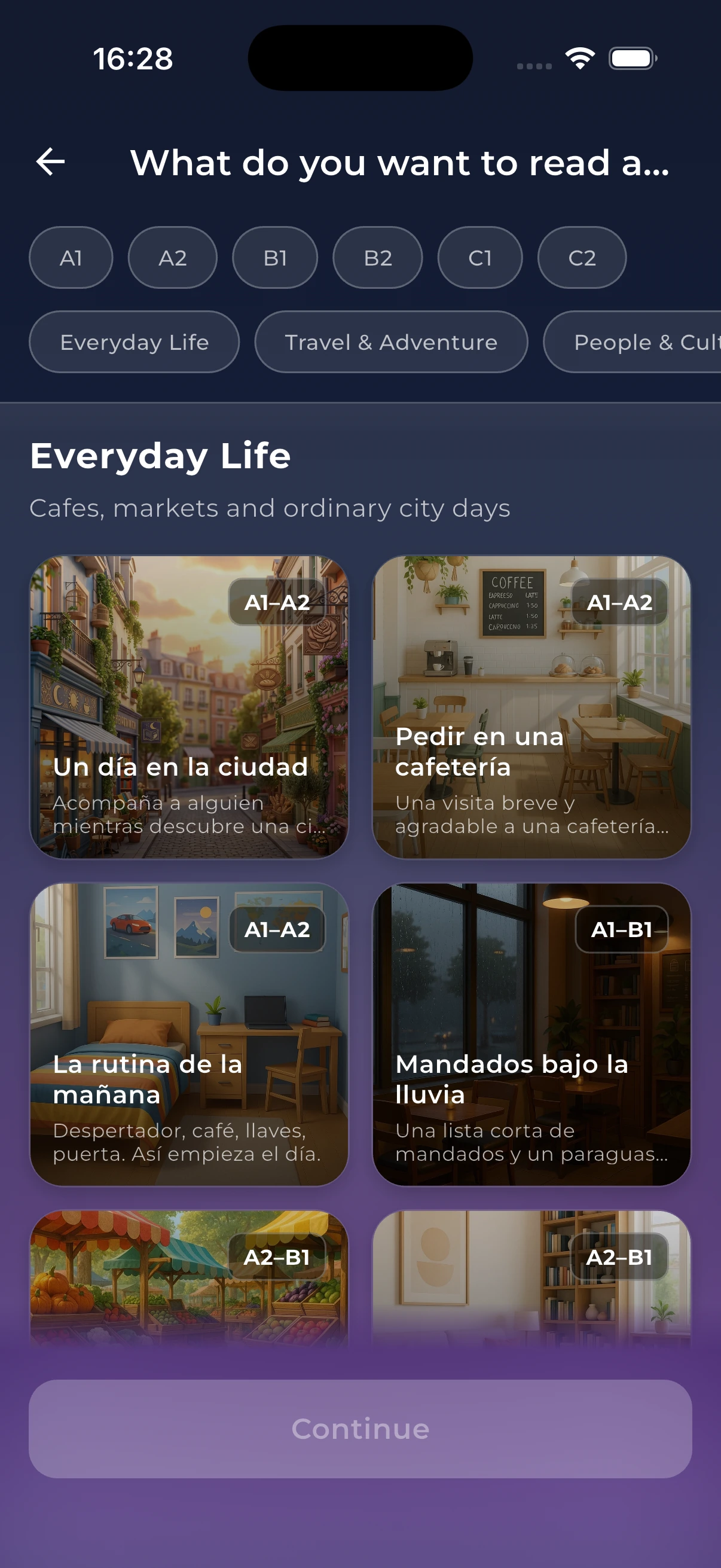
You want to read at your level, with tappable words and comprehension quizzes
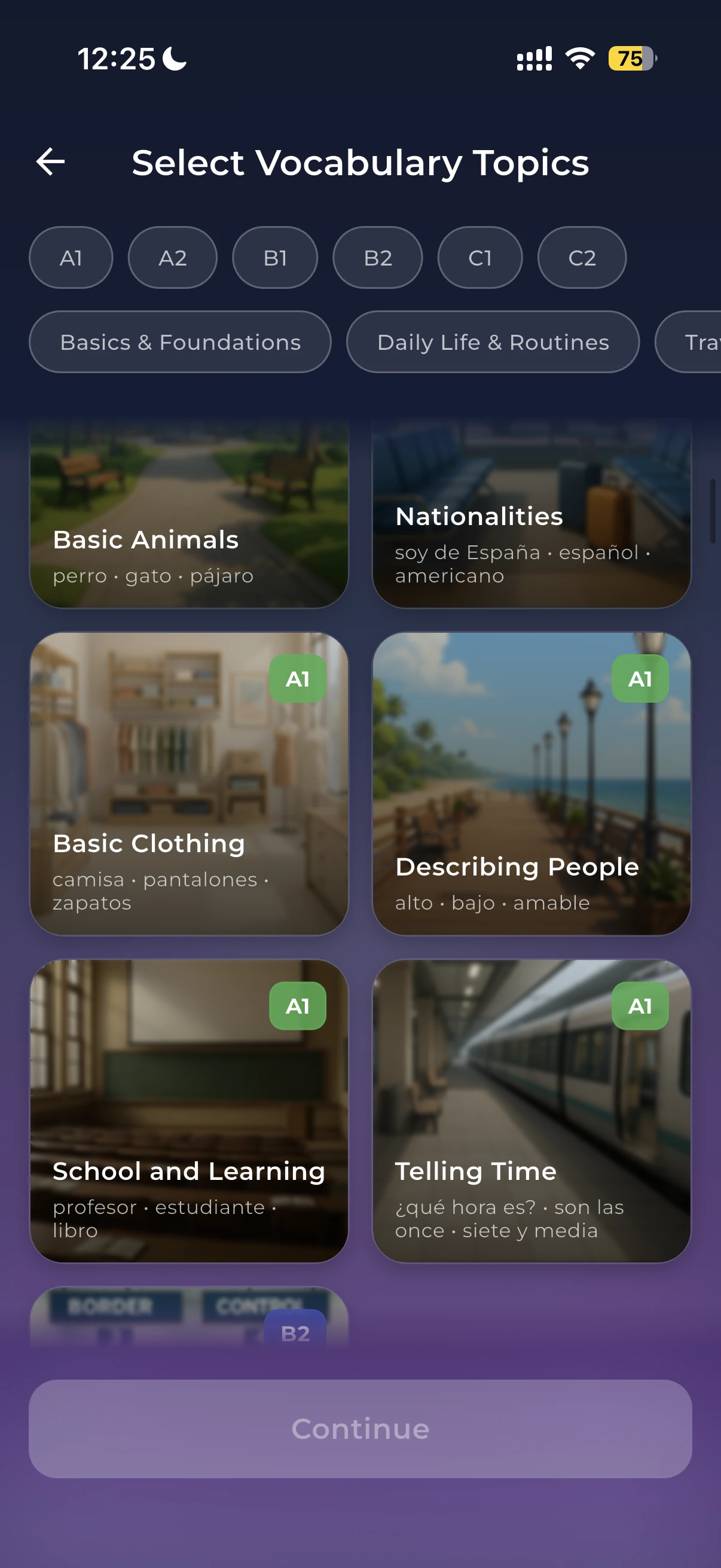
You want a personal dictionary and spaced-repetition flashcards you can see and manage
You want pronunciation reported by sound, stress, and fluency, not just drilled
You want conversation and role-play rather than a scripted audio lesson
Pick Pimsleur if
You learn best with your eyes off the screen — commuting, walking, cooking
You want an audio method with decades of evidence behind it for spoken basics
You want a genuinely long language list, including rarities like Ojibwe or Twi
You want offline lessons, a driving mode, and Alexa playback
Where Pimsleur is genuinely better
The audio method works, and it works in situations where no other app does. Graduated interval recall is spaced repetition applied to whole phrases inside a listening lesson, so review happens without you managing a deck. The lessons force output constantly — you speak, then hear the correct version, then speak again — which is why Pimsleur graduates often have better spoken basics than app-only learners. Offline downloads, a hands-free driving mode, and Alexa playback are practical advantages, not marketing.
What an audio-first design leaves out
Pimsleur has added Reading lessons, flashcards, Speed Rounds, a Voice Coach score, and a Speak role-play tool in some languages, but text remains secondary by design. NativePal treats it as primary: CEFR-levelled reading with tappable words and quizzes, JLPT, HSK, and TOPIK levels where those systems apply, and a dictionary that turns anything you tap into a flashcard. If you want to see the language, not only hear it, that is the difference.
Drilling speech vs analysing it
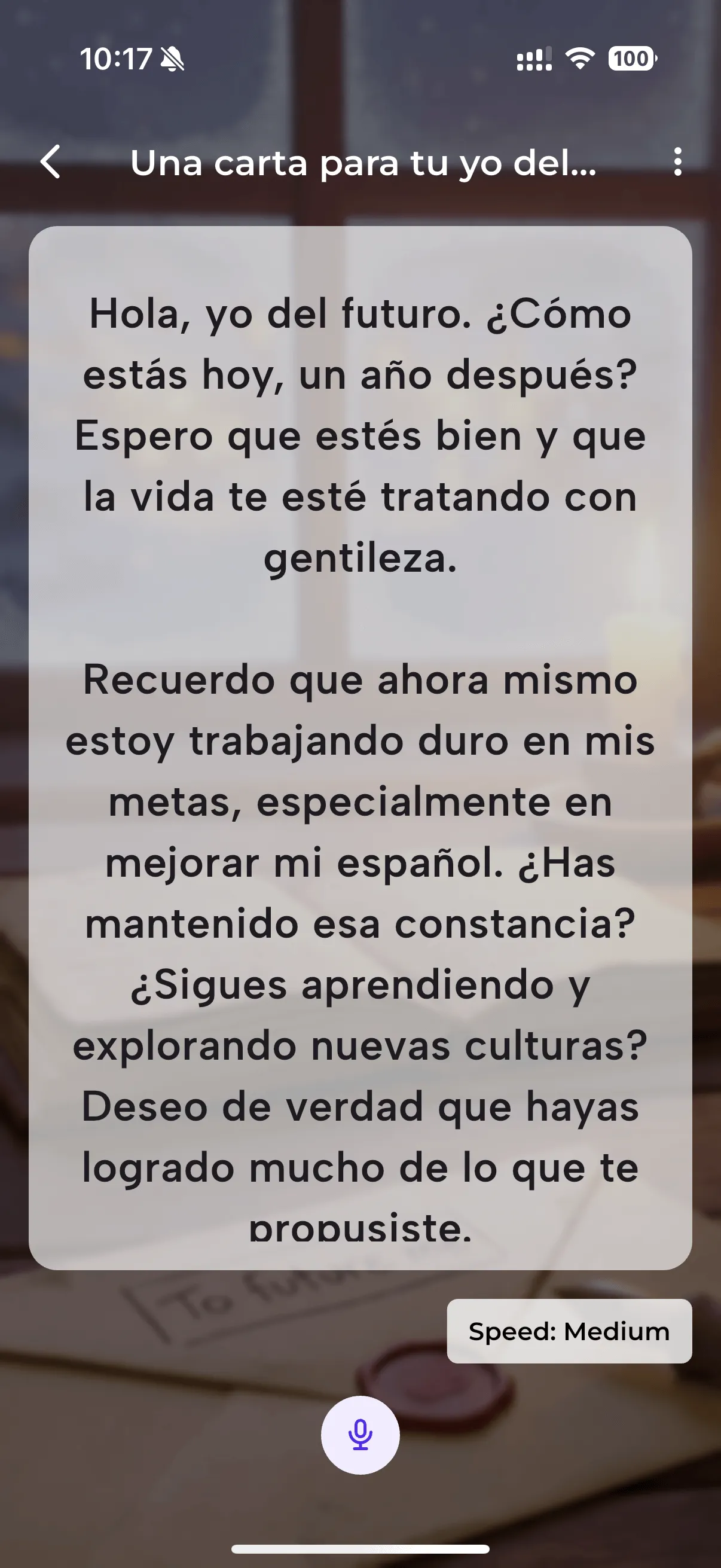
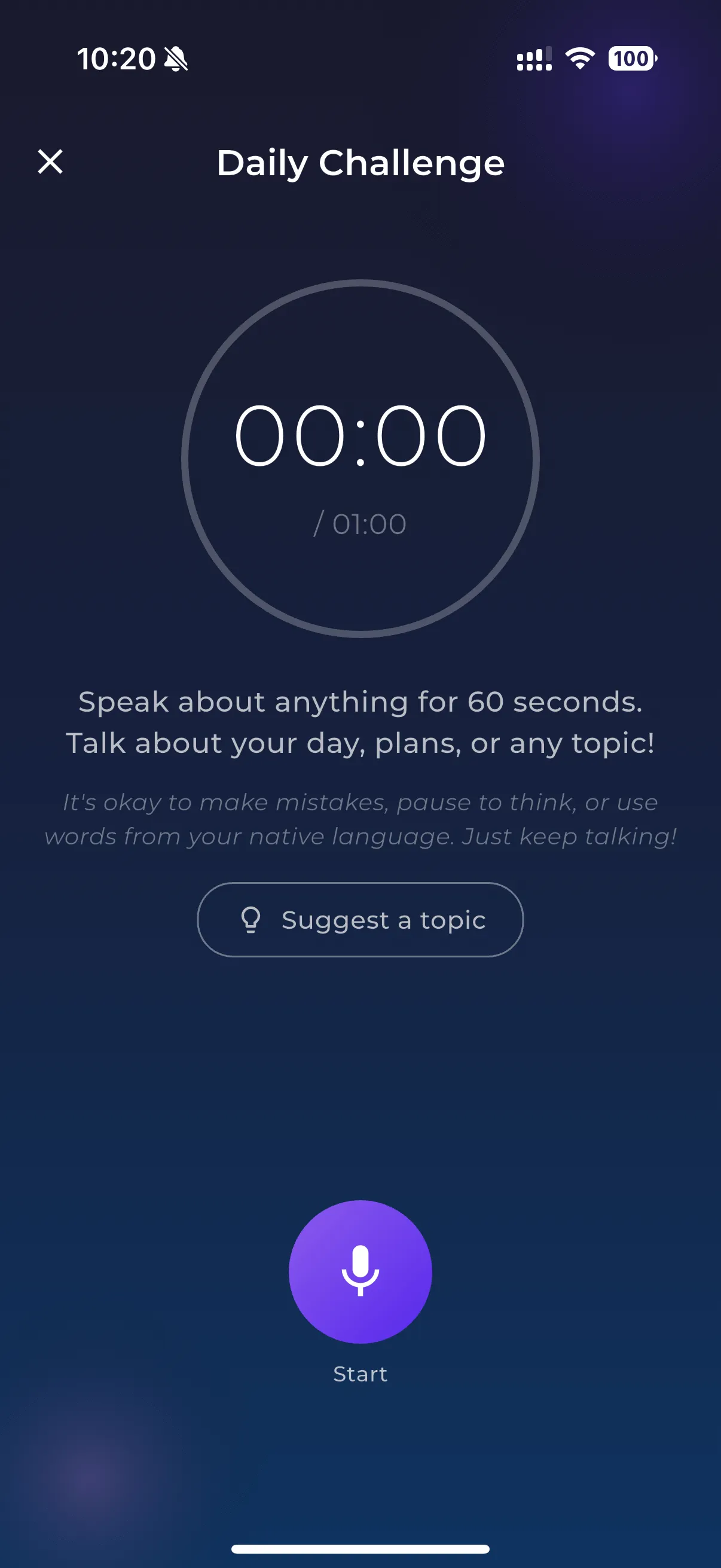
Pimsleur makes you speak a great deal and scores you via Voice Coach. NativePal's Speaking Practice does something different: it puts a script on a teleprompter and reports on individual vowels and consonants, prosody, fluency, and connected speech, so you know which sound to fix. The 60-second Daily Challenge then gives you freeform talk with native alternatives at three registers. Pimsleur builds the habit of speaking; NativePal tells you what your speaking sounds like.
Is Pimsleur or NativePal better for speaking practice?
Pimsleur is better at making you speak often, in more situations, including hands-free while driving. NativePal is better at telling you how your speaking sounds — individual vowels and consonants, prosody, fluency, and connected speech. If your problem is volume of output, Pimsleur. If it is accuracy, NativePal.
Can I really learn a language with audio only?
For spoken basics, yes — the Pimsleur method has a long track record. Most learners eventually want text as well, for reading, spelling, and reviewing vocabulary they can actually look at. That is where a reading library and a dictionary that feeds flashcards start to matter.
Which app supports more languages?
They are close. Pimsleur lists around 51 as of writing with an unusual long tail, and NativePal supports 57. Check your specific pair, and note that Pimsleur's feature availability varies by language.
Is there a free way to try each one?
Pimsleur offers a complimentary lesson and a trial, then it is subscription only. NativePal is free to start with a daily allowance of reading, vocabulary, speaking, and chats, with premium sold through the App Store and Google Play. We do not quote prices because they vary by region.
Start practising today
Download NativePal and practise for free. Reading, vocabulary, pronunciation, and conversation in 57 languages. No account required.